
PakEduSystem for Windows
The complete school management system as a fast, native desktop app — attendance, fees, results, and the AI paper generator, all in one window with desktop notifications and one-click printing.
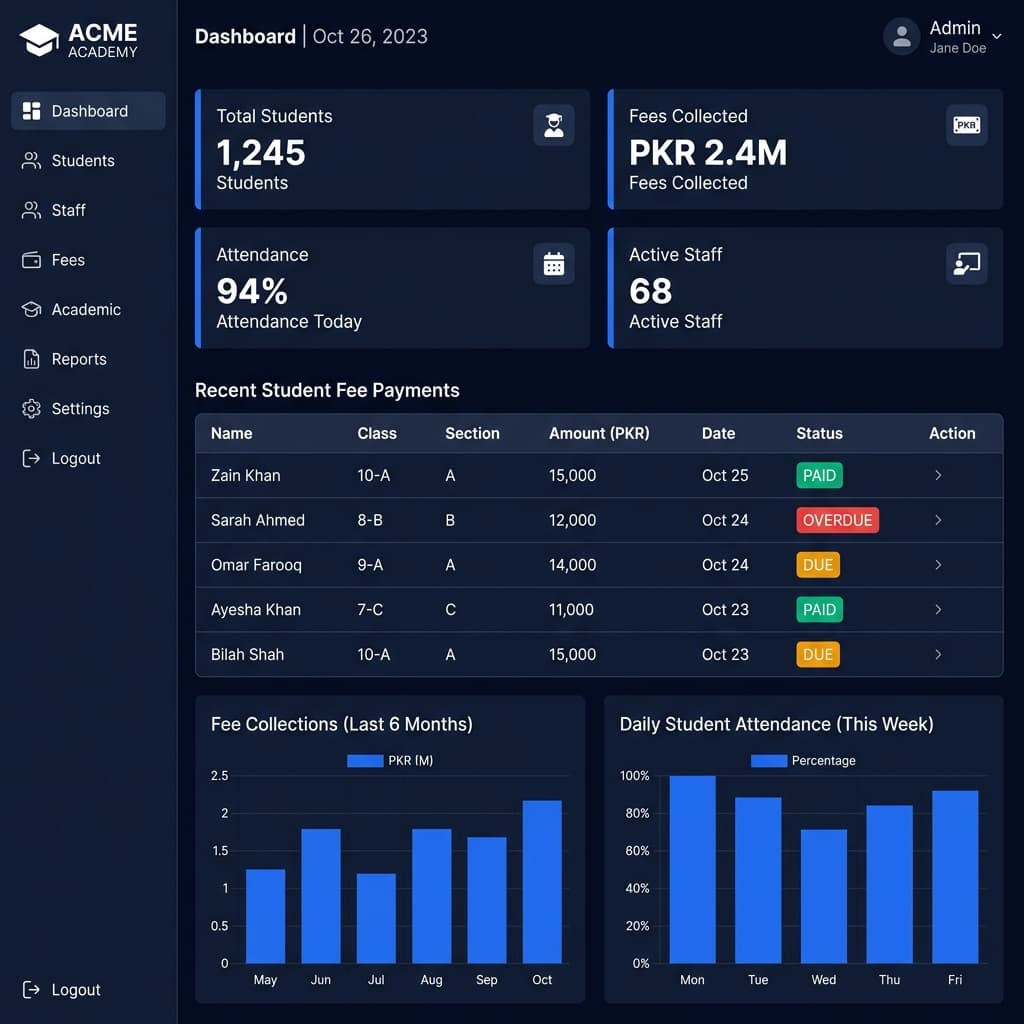
Why install the desktop app?
Everything the website does, plus the things only a real app can.
Native speed
Runs in its own window — no tabs, no browser clutter, instant access from your taskbar.
Desktop notifications
Windows toasts and a taskbar badge the moment a new notification arrives.
Command palette
Press Ctrl + K to jump to any module or action in a second.
One-click printing
Print Test Maker papers and reports straight to your printer or PDF.
Always up to date
Updates download silently in the background — you're always on the latest version.
Secure by design
The same secure sign-in. Nothing sensitive is stored on the PC — your data stays on the server.
System requirements
- Windows 10 or 11 (64-bit)
- 2 GB RAM or more
- An internet connection
- ~250 MB free disk space
How to install
- 1Click “Download for Windows” to get the installer.
- 2Open PakEduSystem-Setup.exe from your Downloads.
- 3If Windows shows a SmartScreen prompt, click “More info” → “Run anyway” — the app is safe (code-signing is being added).
- 4Sign in with your school account and you're in.
Frequently asked questions
Is the desktop app free?
Yes. The Windows app is free and uses the same account and plan as the website — there is no separate charge.
Does it work offline?
It needs an internet connection because it securely connects to your live school data. If the connection drops, a friendly offline screen reconnects automatically.
Is my data safe on the desktop app?
Yes. The app signs in securely and reads your data live from the server. Nothing sensitive is stored on the computer, so it's safe even on shared PCs.
How do updates work?
Updates download silently in the background and install on the next restart — you're always on the latest version with no manual downloads.
Ready to go?
Download PakEduSystem for Windows and run your whole school from your desktop.
Download for WindowsWindows 10 & 11 · 64-bit · ~90 MB · v1.0.0